Honest Review: Plugable USB-C Triple Display Docking Station Review
As an Amazon Associate I earn from qualifying purchases. This means if you click a link and make a purchase, I may earn a small commission at no extra cost to you. All opinions are entirely my own.
The Short Version
My husband bought me this docking station when he set up my dual monitor workspace, so I could connect my laptop to both screens through a single cable. I have used it daily since November 2025, through an entire move and a full laptop switch from a Dell to a MacBook, and it has never once given me a problem. It has been the quiet workhorse behind my entire desk setup. Shop it on Amazon here
Why I Bought It
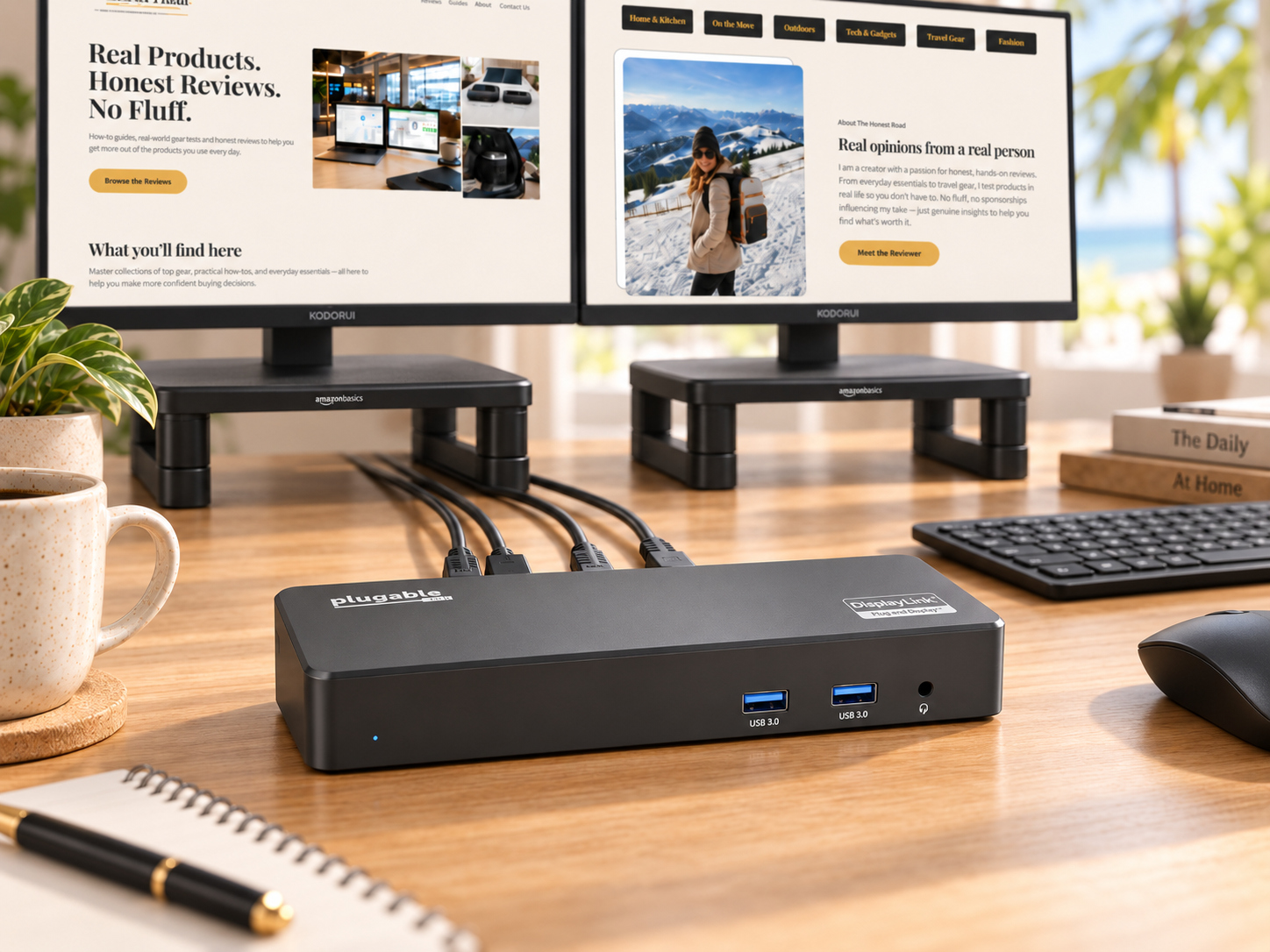
My husband purchased this specifically to connect my laptop to the dual monitor setup he built for me. The idea was simple, one cable to my laptop, and both monitors, my keyboard, and my accessories all stay connected and ready without replugging anything every time I sit down to work.
What Is In the Box
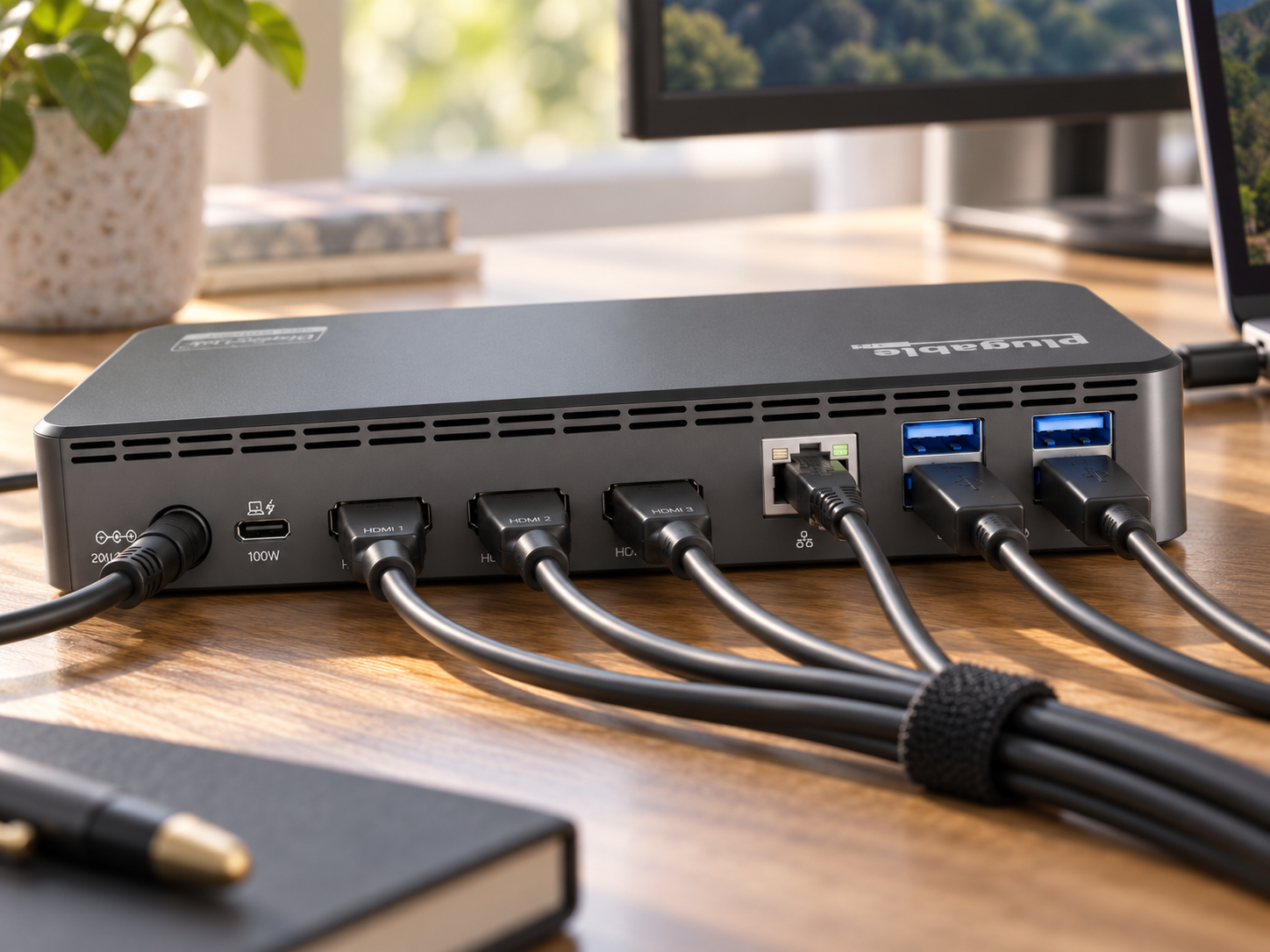
You get the docking station itself, a power cord, a USB-C cable, and a quick start guide. The unit has 3 HDMI ports, 4 USB-A ports on the back, and on the front, 2 more USB-A ports, a headphone jack, and a port that accepts a phone cable. Current price, at time of this review is $159.95. Check current price on Amazon
The Real Life Experience
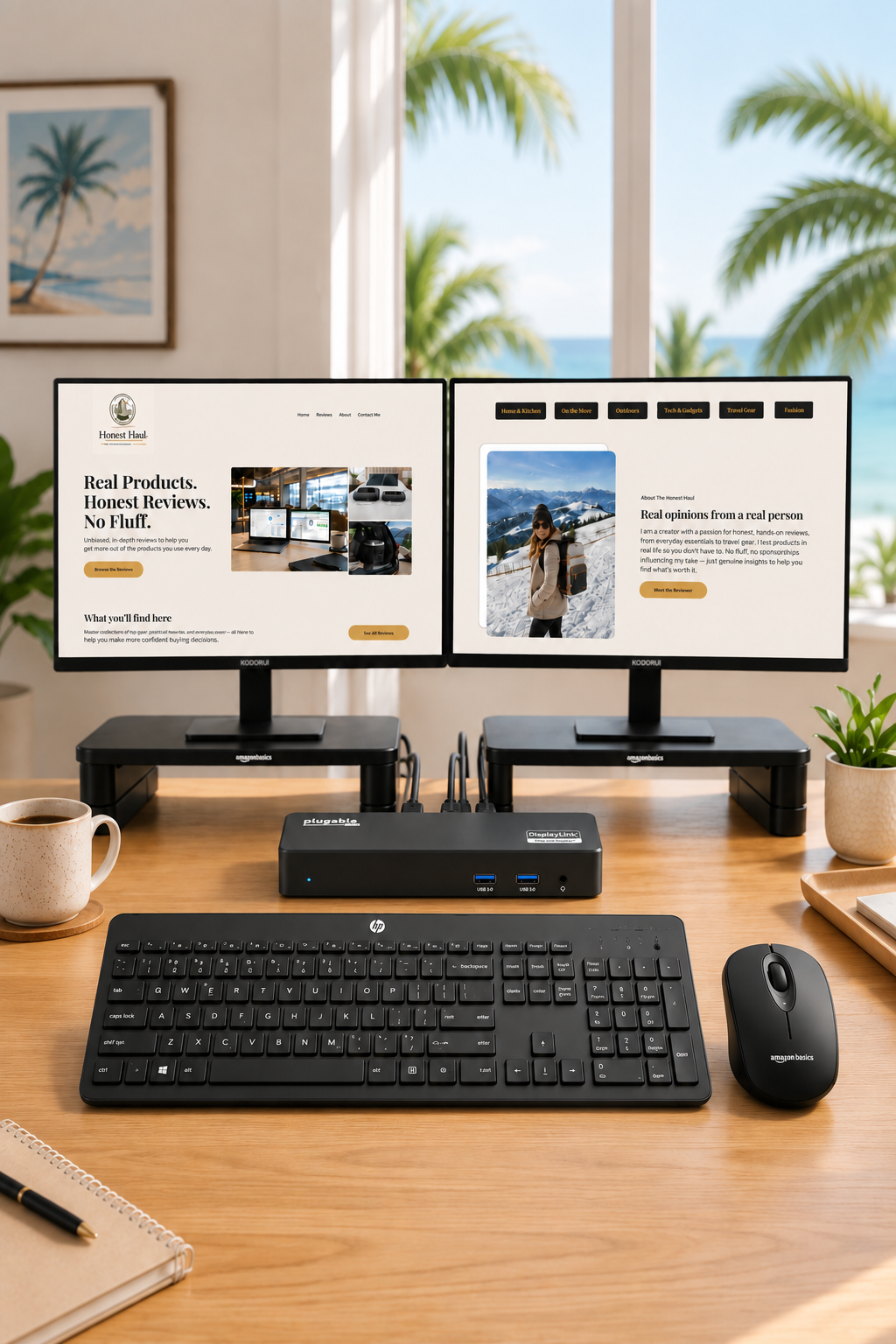
My current setup runs both monitors through HDMI cables into the dock, the power cord plugged into the wall, and a single USB-C cable running to my laptop. I also have an external microphone and speaker connected through a USB-A adapter on the back, and my wireless keyboard plugged in as well.
I originally used this with a Dell laptop from November 2025 until September 2026, when I switched to a MacBook because my Dell could no longer keep up with the performance I needed. The dock is fully compatible with the MacBook too, though I did need to download a driver to get it running, something the Dell never required, it worked the moment I plugged it in. The external microphone and speaker setup was just as simple, a quick USB-A adapter and it was ready to go.
Several weeks ago, I disconnected and fully packed up this entire setup for a move, then reassembled it at the new place, HDMI cables into the monitors and the dock, power cord to the wall, USB-C to my laptop. It powered back up exactly as it had before, with zero issues. Across almost eleven straight months of use, spanning two different laptops and a full relocation, I have had zero complaints and zero problems.
What I Love
The reliability is what stands out most. This dock has run two different operating systems, survived a full move, and delivered consistent power and display output the entire time. The port selection is genuinely generous, 3 HDMI, 6 total USB-A ports between front and back, a headphone jack, and solid power delivery that charges my laptop while it works. It supports up to 3 monitors, and is compatible with Windows 10 and 11, macOS 11 and later, and ChromeOS, which makes it flexible for almost any setup.
What I Would Change
Nothing. It has done exactly what my husband bought it to do, and it has done it without a single failure across nearly a year of daily use.
Who This Is Perfect For
This dock is perfect for anyone setting up more than one monitor, whether that is for creative work, building an online income stream, working with AI tools, student research, or data analysis where having your source material on one screen and your working document on the other genuinely changes your workflow. It is lightweight, sleek in all black, and works across mixed device environments, making it a smart pick for anyone who might switch laptops down the road the way I did.
The Verdict
A docking station that has run flawlessly for eleven straight months, survived a laptop switch and a full move, and still charges and connects everything the moment you plug it in has earned its place on this desk. It has a 4.2 star rating across more than 1,100 reviews, this one backs up its reputation. Grab yours on Amazon here
As an Amazon Associate I earn from qualifying purchases. This means if you click a link and make a purchase, I may earn a small commission at no extra cost to you. All opinions are entirely my own.